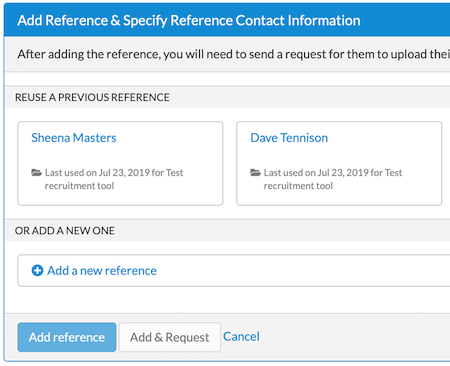
Reusing a letter of reference or contact information
Requesting a letter of reference
When applying to a recruitment that requires letters of recommendation and not just contact information, you must notify your references through the system. To finish your application and get it to the search committee, make sure to request all letters.
- Click My References.

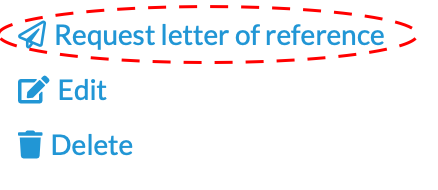
- Click Request letter of reference by the appropriate reference name.
- A template opens. If desired, personalize the email.
- Click Next ».
- Review the email.
- When ready, click Send request.
- Your reference will shortly receive an email with the subject line: "Request for letter of reference for your name"
If any required letters have not been received two weeks after you submit your application, Recruit will email you a reminder listing the missing letters. The subject line will be "[UC Merced Recruit] Follow-up on reference letter request for the position".
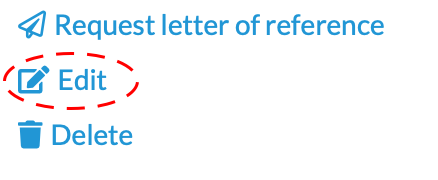
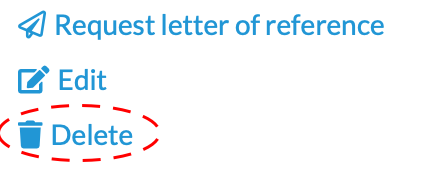
You may re-request letters by returning to My References in your application. If you need to edit or change your references, you may do so even after you submit your application. Once a reference's letter has been received, you can no longer edit that reference. While your application can still be edited, you may still delete that reference, which also removes its letter from your application.
Why is the My References tab missing?
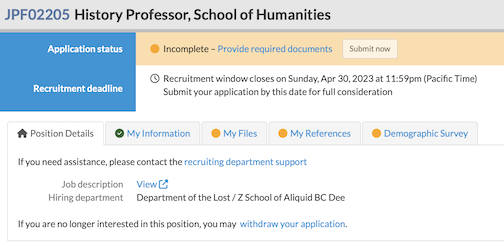
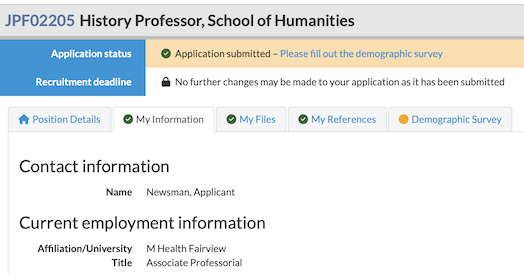
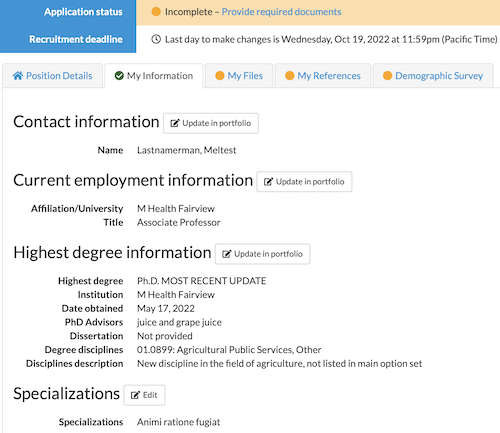
When an application does not require references, the My References tab will be absent.
 Recruit